
Introduction
Google Analytics 4 guide : Welcome to today’s online world! Here,every small and big businesses use data to make smart choices. It doesn’t matter if you run a small online shop, a blog, or even a big international company or etc..the main thing is knowing your customers.
This is where Google Analytics 4 (GA4) comes in place to helps.
Google newly launched GA4 in 2023 to replace the old Universal Analytics. Now, GA4 is the main tool to measure how websites and apps perform .At first, many business owners and marketers found it a bit hard to switch. But GA4 is a big change for the better. It gives you smarter insights, tracks users while keeping their privacy safe, uses AI predictions, and shows data across websites and apps in one place.
If you’ve been asking yourself:
- What is GA4 and why We can use it?
- How can I set up GA4 for my business or blogging website or app?
- What metrics matter most in GA4?
- How can GA4 help me increase sales, conversions, and ROI?
This exhaustive guide to GA4 will answer all your questions using a very simple vocabulary. By the end of this, you will know exactly how to use GA4 in tracking performance, behavior analysis, and business building.
What is Google Analytics 4 (GA4)?
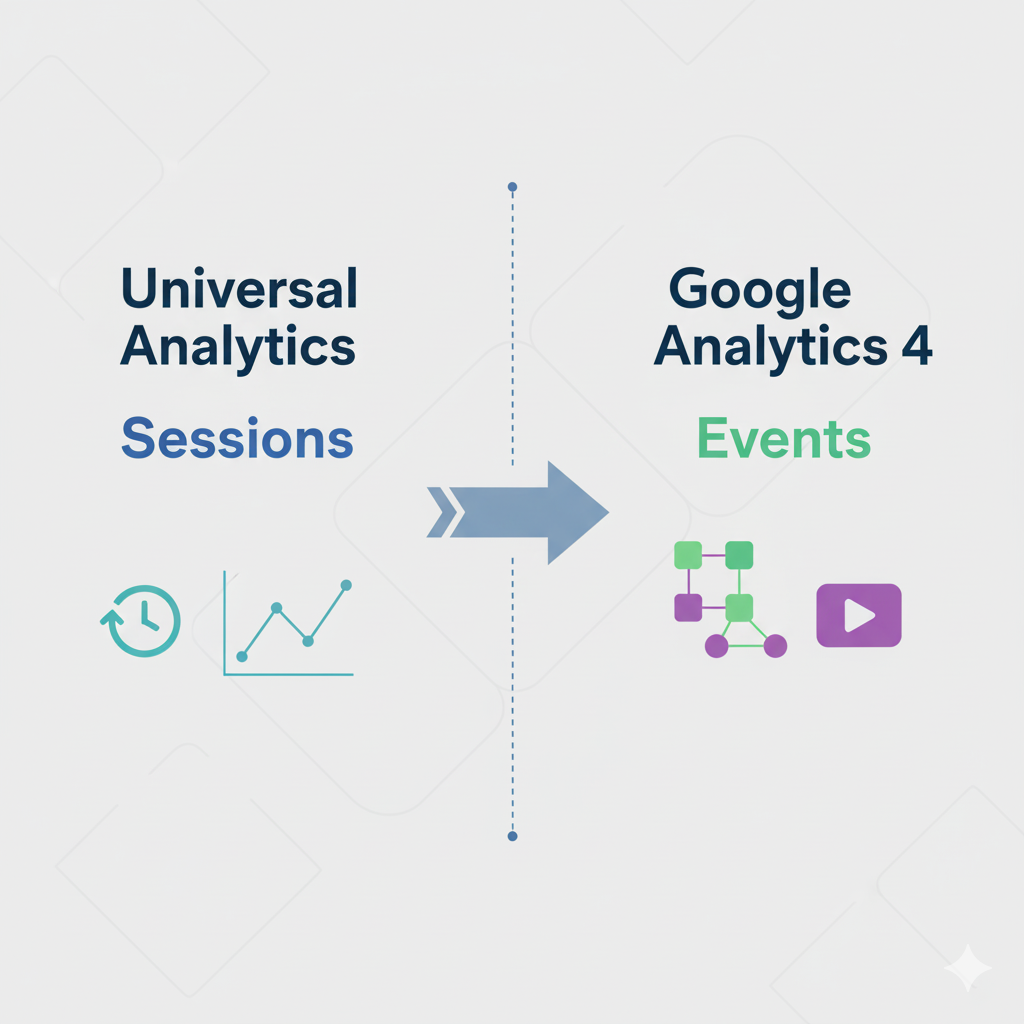
Google Analytics 4 is the latest trend of the web analytics or tracking user actions from Google. GA4 is event-driven, unlike Universal Analytics, which was session-based. An event captures all kinds of user actions, i.e., when a user clicks a button, watches a video, or completes a transaction.
Key Features of GA4
- Cross-Platform Tracking – Track users across sites, mobile apps, and devices..
- Event-Based Model – Offers greater depth than page views and sessions.
- Privacy-Focused –Carbined for eliminating cookie dependency; compliant with GDPR and CCPA.
- AI-Powered Insights –Predictive metrics are created such as the probability of purchase and churn probability.
- Custom Reports –Provide flexible exploration tools for further deep-dive.
Why Did Google Replace Universal Analytics with GA4?
Google made the switch because user behavior has changed. People now browse across devices, expect personalized experiences, and demand data privacy. Universal Analytics wasn’t built for this reality.
GA4 addresses these issues with:
- Event-based tracking instead of session tracking.
- Better user journey analysis across platforms.
- Machine learning predictions for smarter business decisions.
- Future-proof data collection for a cookieless world.
How to Set Up Google Analytics 4 (Step by Step)
Here’s a quick guide to setting up ga4 account
Step 1: How to Create a GA4 Property
- Go to Google Analytics.
- Click Admin > Create Property.
- Select GA4 property.
Step 2: Add a Data Stream
- Choose Web, iOS, or Android depending on your platform.
- Enter your website URL or app details.
Step 3: Install the Tracking Code
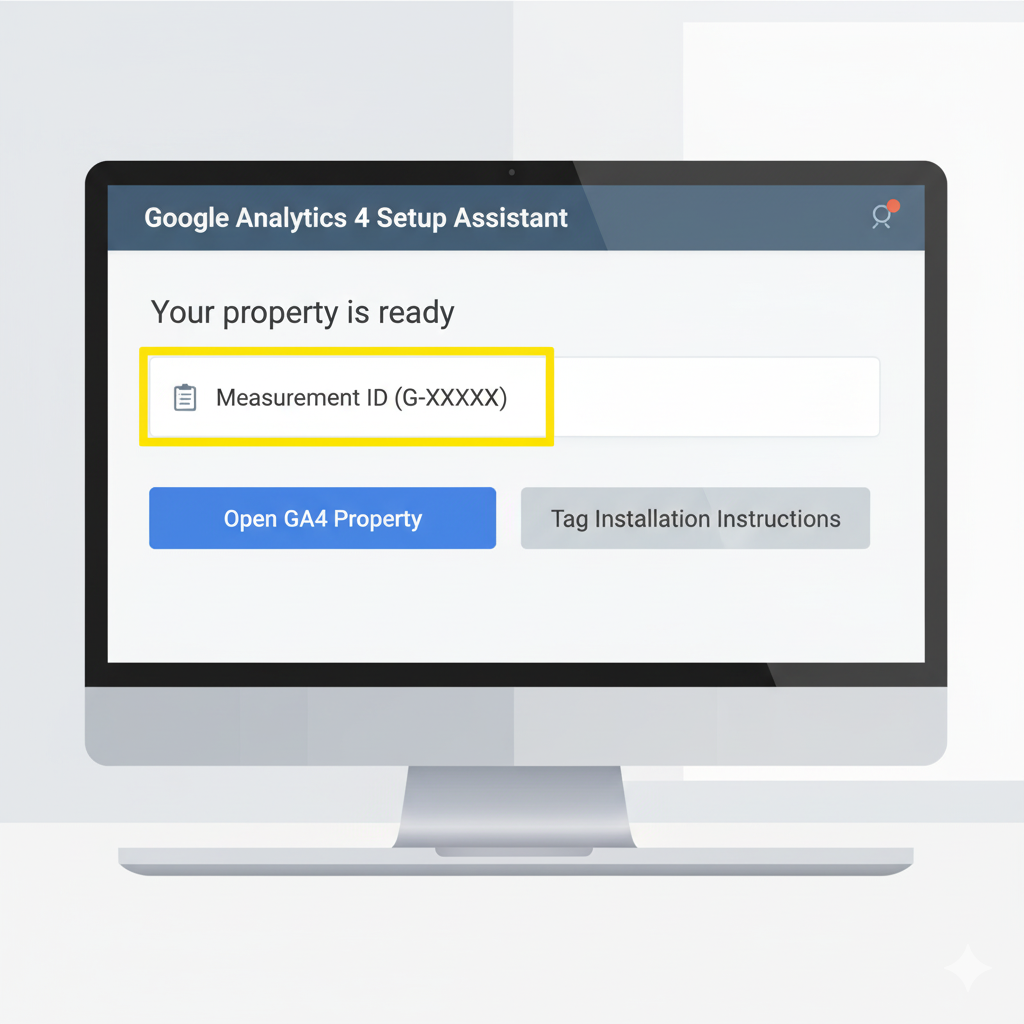
- Copy the Measurement ID (G-XXXXXXX). It is unique id for every one
- Paste it into your website’s <head> section or use Google Tag Manager.
Step 4: Verify Data Collection
- Visit your site and check the Realtime report in GA4.
Key Metrics and Reports in GA4
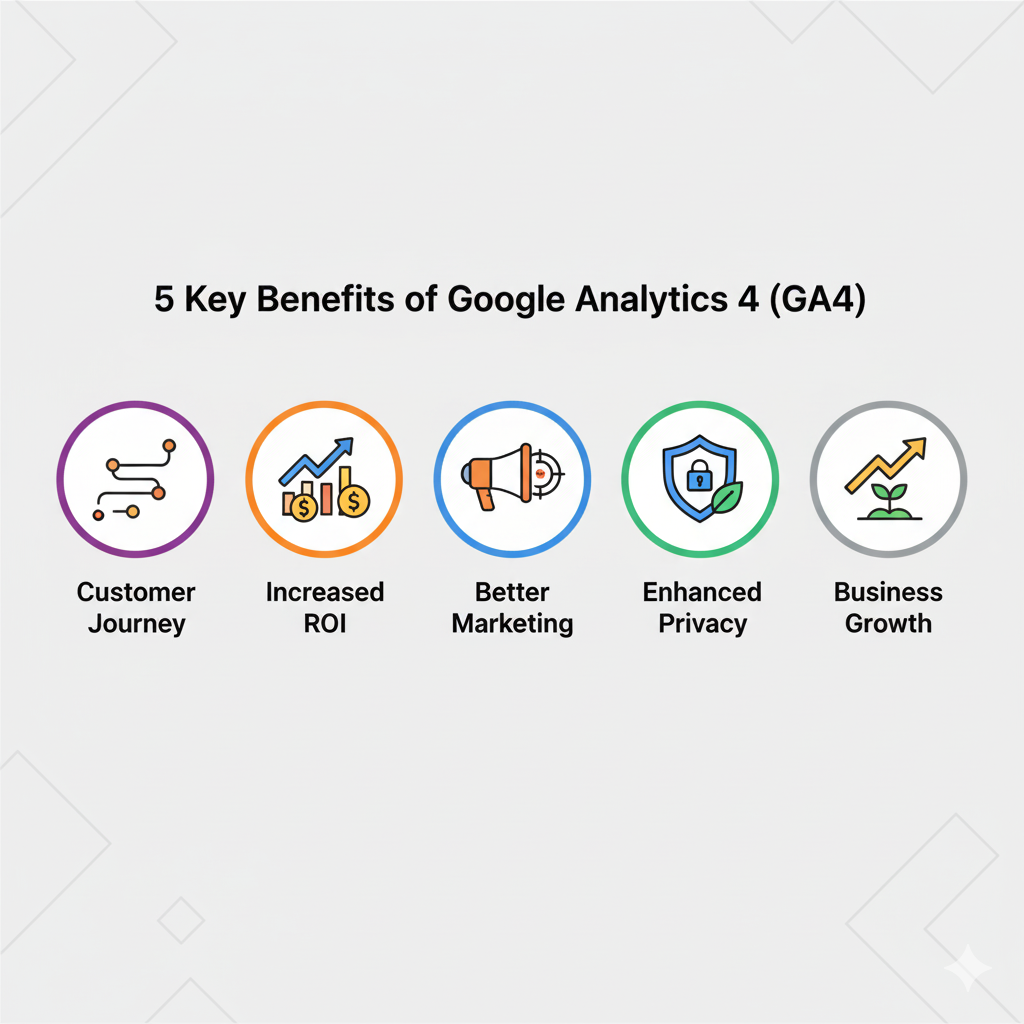
GA4 comes with new metrics that give you more accurate insights.
1. Engaged Sessions
Unlike Universal Analytics, GA4 tracks engagement—sessions that last longer than 10 seconds, have multiple page views, or trigger conversions.
2. Engagement Rate
Replaces bounce rate. It measures how engaged users are with your content.
3. Events
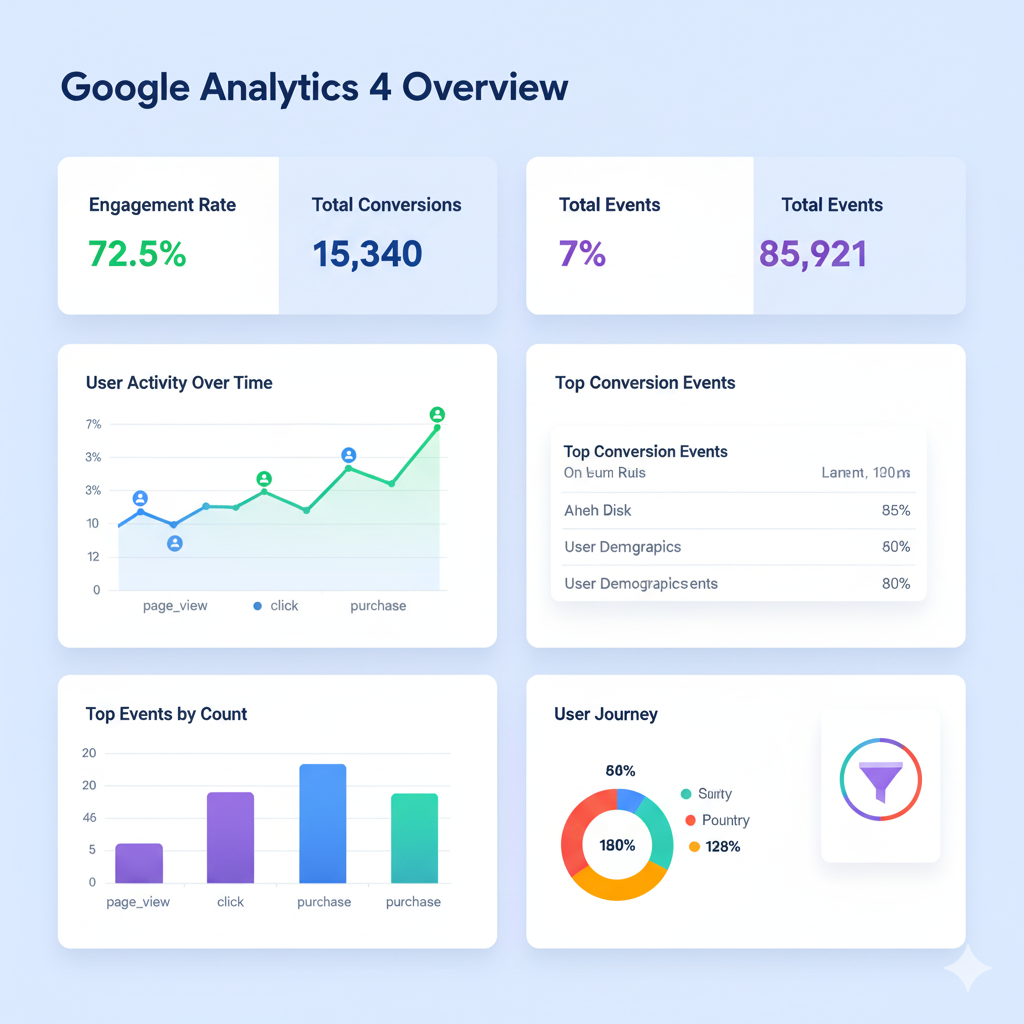
Every interaction—clicks, video plays, purchases—is tracked as an event.
4. Conversions
Custom events you mark as valuable actions (like sales, leads, or sign-ups).
5. Predictive Metrics
- Purchase probability
- Churn probability
- Revenue prediction
Benefits of Using GA4 for Your Business
- Better Customer Journey Tracking
- Follow users from first touchpoint to final purchase.
- Follow users from first touchpoint to final purchase.
- Improved ROI
- See which channels drive the most conversions.
- See which channels drive the most conversions.
- Smarter Marketing Decisions
- Use predictive analytics to optimize ad spend.
- Use predictive analytics to optimize ad spend.
- Future-Proof Analytics
- Designed for privacy-first and cookie-free tracking.
- Designed for privacy-first and cookie-free tracking.
- Customization
- Build custom dashboards and reports tailored to your goals.
- Build custom dashboards and reports tailored to your goals.
Advanced GA4 Features You Should Know
1. Exploration Reports
Custom, drag-and-drop reports for advanced analysis.
2. Funnels
Track user paths and identify drop-off points.
3. Path Analysis
See the exact journey users take on your site.
4. Custom Events
Track unique business-specific interactions.
5. BigQuery Integration
Export raw GA4 data for deeper analysis.
Best Practices for Using Google Analytics 4
- Set up key conversions early Put in place purchases, sign-ups, and downloads
- Now, link GA4 to the Google ads tool for ad targeting and ROI generation.
- Enable enhanced measurement to automatically track events like scrolls and video plays.
- Create audiences (returning customers, cart abandoners) for remarketing.
- Regularly check predictive metrics to stay ahead of trends.
Common Mistakes to Avoid in GA4
- Not setting up custom conversions.
- Ignoring event tracking customization.
- Forgetting to link GA4 with Google Ads and Search Console.
- Over-relying on default reports instead of building custom dashboards.
- Not verifying data accuracy after migration from Universal Analytics.
Future of GA4 in 2025 and Beyond
GA4 is not just a replacement; it’s the future of analytics. Expect to see:
- Deeper AI integrations for automated insights.
- More privacy features to adapt to changing laws.
- Smarter predictive modeling to optimize campaigns.
- Seamless integrations with Google Ads, YouTube, and other platforms.
For businesses, this means GA4 will remain the most powerful, free tool for understanding users and growing revenue.
FAQs about Google Analytics 4 (GA4)
Q1: Is Google Analytics 4 free to use?
Yes, GA4 is completely free, just like Universal Analytics. However, advanced users can integrate with BigQuery for enterprise-level analysis.
Q2: Do I need to migrate from Universal Analytics to GA4?
Yes, Universal Analytics stopped processing data in 2023. If you haven’t switched, you’re missing out on tracking.
Q3: What’s the biggest difference between GA4 and Universal Analytics?
GA4 is event-based, while Universal Analytics was session-based. This makes GA4 more flexible and accurate.
Q4: Can I track both website and app data in GA4?
Yes, GA4 is designed for cross-platform tracking—you can track websites, Android, and iOS apps in one property.
Q5: Is GA4 difficult for beginners?
At first, yes—it looks very different. But with step-by-step setup and practice, beginners can quickly learn to navigate reports and create insights.
Final Thoughts
Google Analytics 4 is far from just being an analytics tool-it serves the role of facilitating digital growth for agencies. Being a system that works on events, in which AI is able to generate insights and track an activity across platforms; GA4 empowers companies, big and small, to analyze user behavior and make intelligent decisions.
There is no better time than now to get your GA4 configuration started. Starting small, considering a few basics, and then increasing your knowledge of intermediate and advanced topics will run you down the path of success. Whether you’re launching an advertisement, selling a product, or publishing content, GA4 will ensure that you move toward growth faster in 2025 and beyond.